> ## Documentation Index
> Fetch the complete documentation index at: https://helpdesk.quso.ai/llms.txt
> Use this file to discover all available pages before exploring further.
> Follow these simple steps and connect your X/Twitter account.
# Connect X/Twitter Account
You can link your X, formerly known as Twitter, account with our platform. When authorizing X, you will be redirected to X to log in and authorize Ayrshare to access your X account.
## Linking X/Twitter
### **Go to the Manage Accounts page**
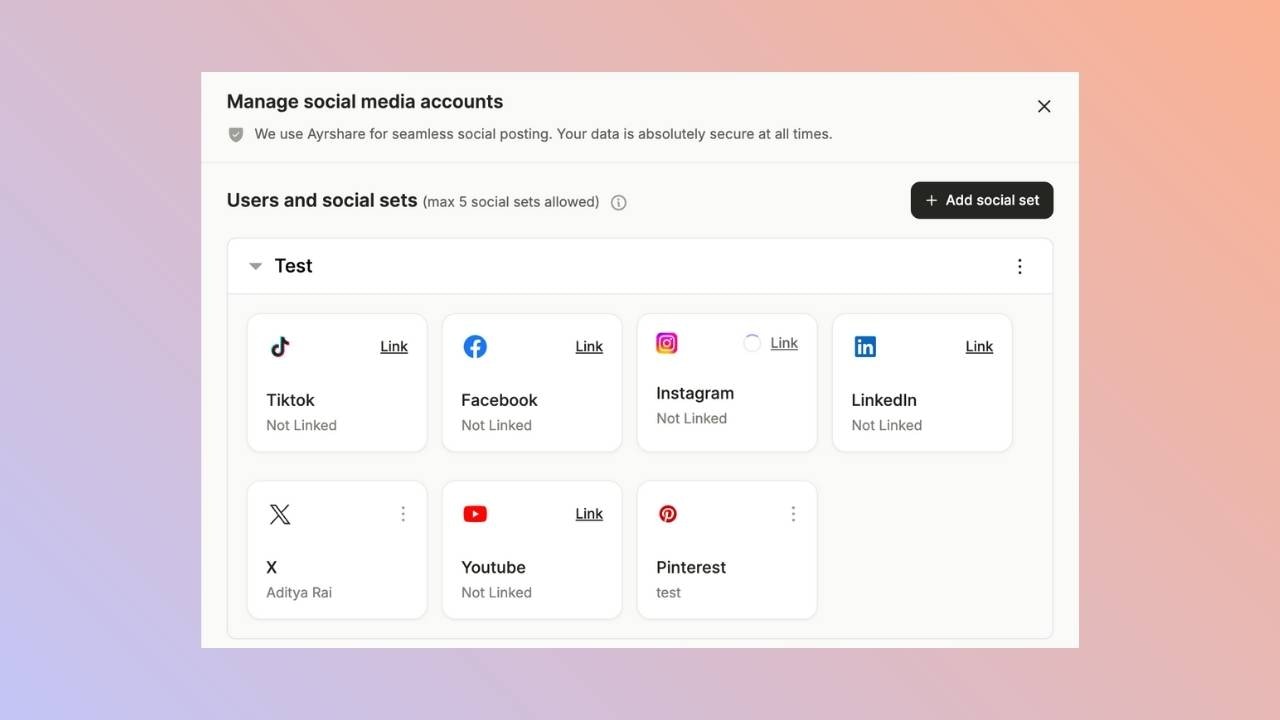
Open the manage accounts page from the social tab and click on the link button. This will open a new tab.
 ### **Social Accounts Page**
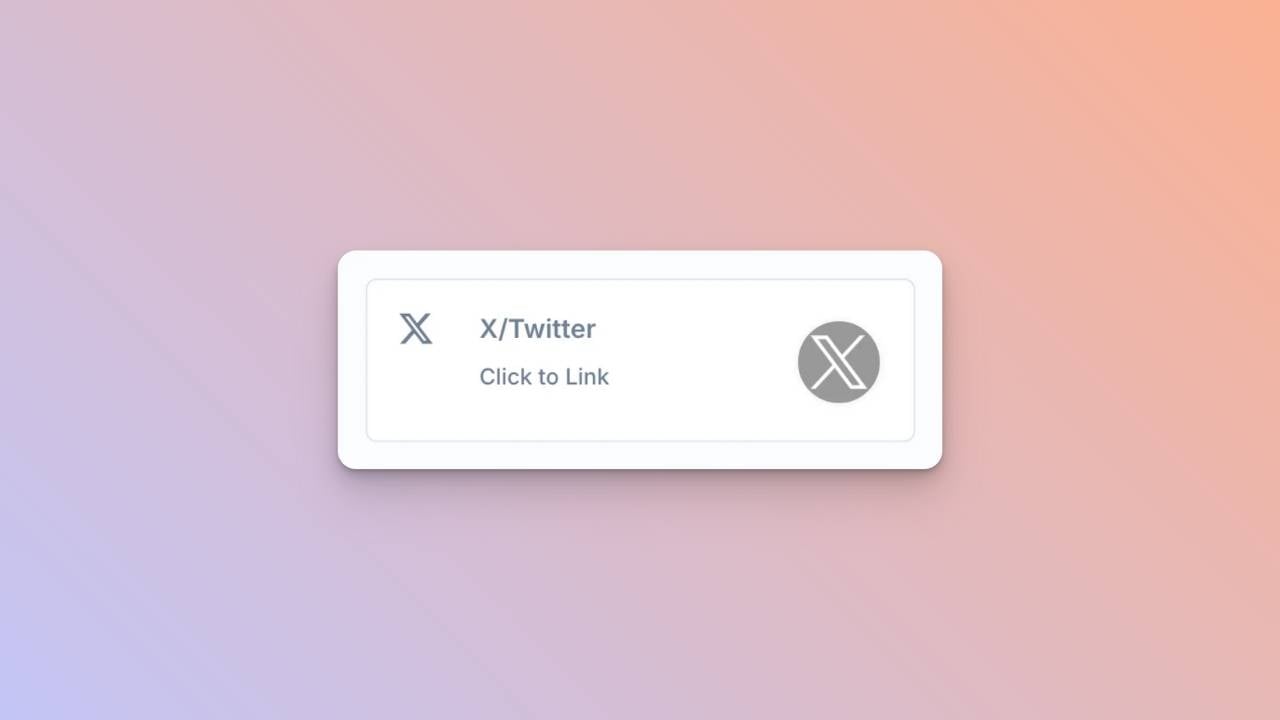
Click **X/Twitter - Click to Link** button on the Social Accounts page.
### **Social Accounts Page**
Click **X/Twitter - Click to Link** button on the Social Accounts page.
 ### **First Time X Linking**
When you click the X icon on the Social Accounts page, an X sign-in will pop up - *please be sure you allow pop-ups*. If you are already logged in, please proceed to the following step.\
Click *Sign In*, follow the instructions, and input relevant login credentials.
### **Authorize Access**
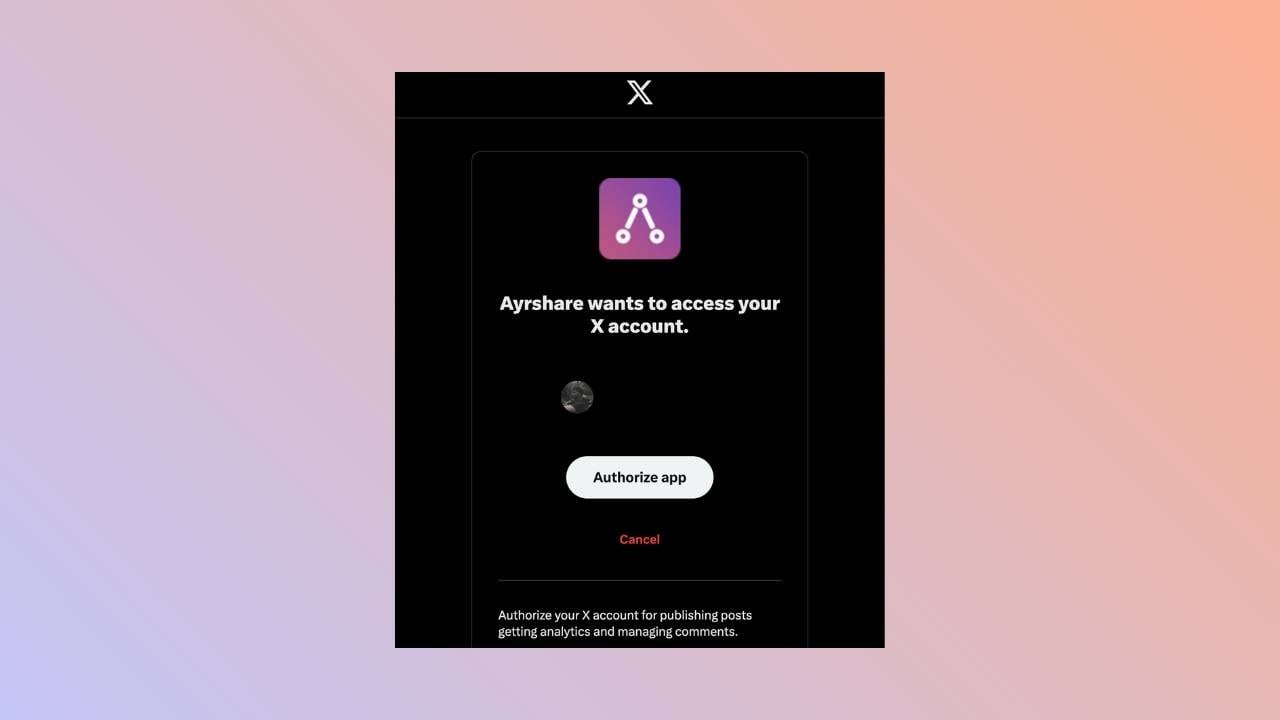
If you have already signed in, click **Authorize app** on the pop-up.\
This will authorize Ayrshare to access your X account.
### **First Time X Linking**
When you click the X icon on the Social Accounts page, an X sign-in will pop up - *please be sure you allow pop-ups*. If you are already logged in, please proceed to the following step.\
Click *Sign In*, follow the instructions, and input relevant login credentials.
### **Authorize Access**
If you have already signed in, click **Authorize app** on the pop-up.\
This will authorize Ayrshare to access your X account.
 ### **Confirmation**
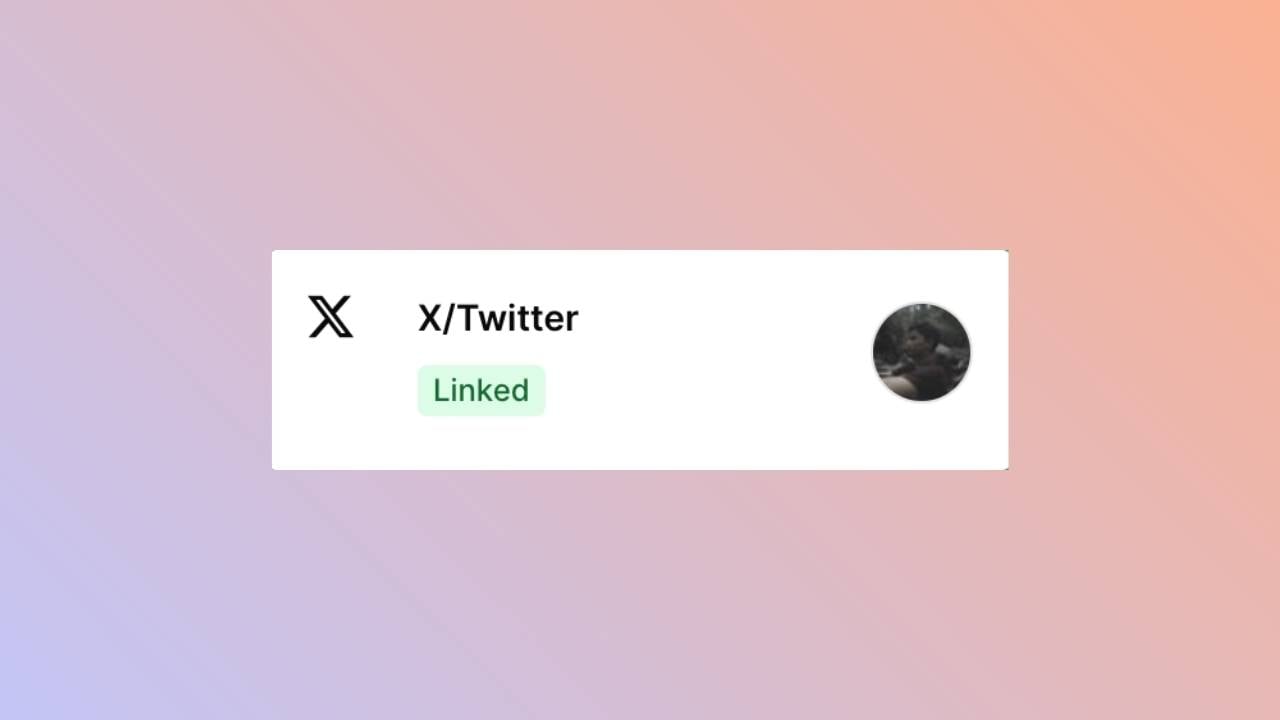
Your Social Accounts page will now be updated with your X account.
### **Confirmation**
Your Social Accounts page will now be updated with your X account.
 ## You're All Set!
You’ve successfully linked your X account to our platform! \
You can now **post or schedule media** directly through our dashboard with ease.\
Need more help? Feel free to reach out to our support team anytime.
## You're All Set!
You’ve successfully linked your X account to our platform! \
You can now **post or schedule media** directly through our dashboard with ease.\
Need more help? Feel free to reach out to our support team anytime.