

Linking X/Twitter
Go to the Manage Accounts page
Open the manage accounts page from the social tab and click on the link button. This will open a new tab.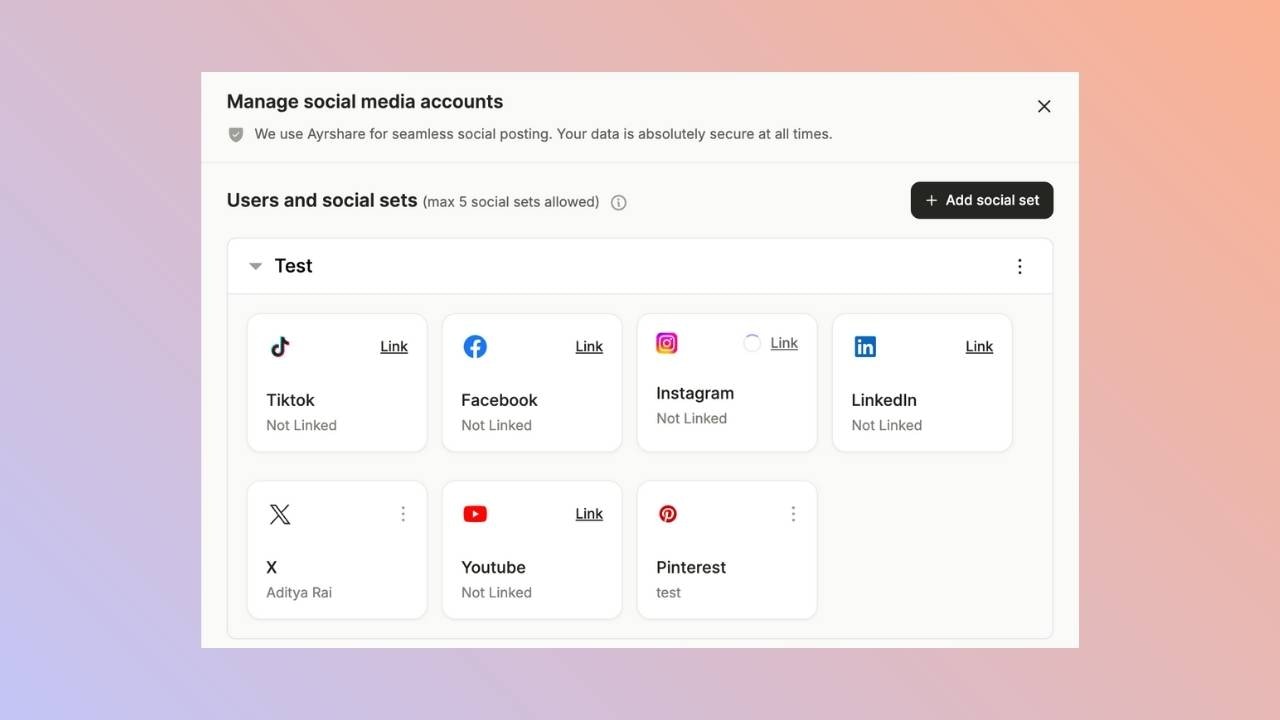
Social Accounts Page
Click X/Twitter - Click to Link button on the Social Accounts page.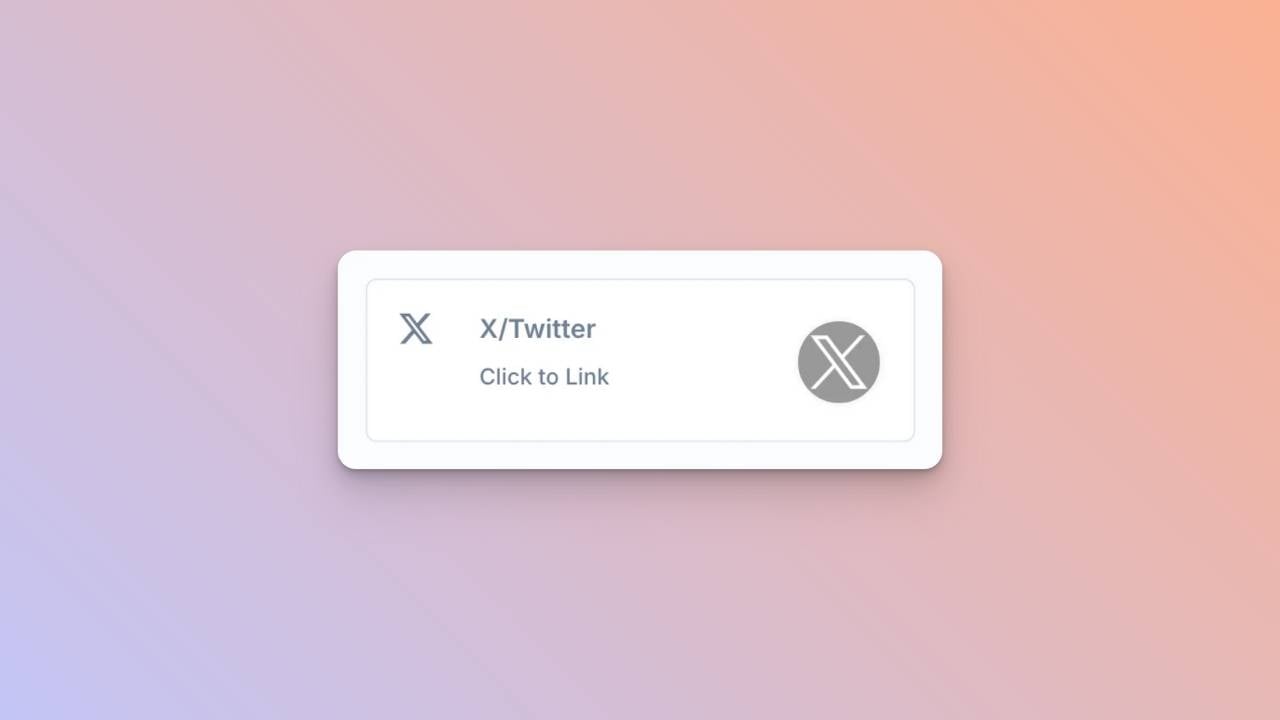
First Time X Linking
When you click the X icon on the Social Accounts page, an X sign-in will pop up - please be sure you allow pop-ups. If you are already logged in, please proceed to the following step.Click Sign In, follow the instructions, and input relevant login credentials.
Authorize Access
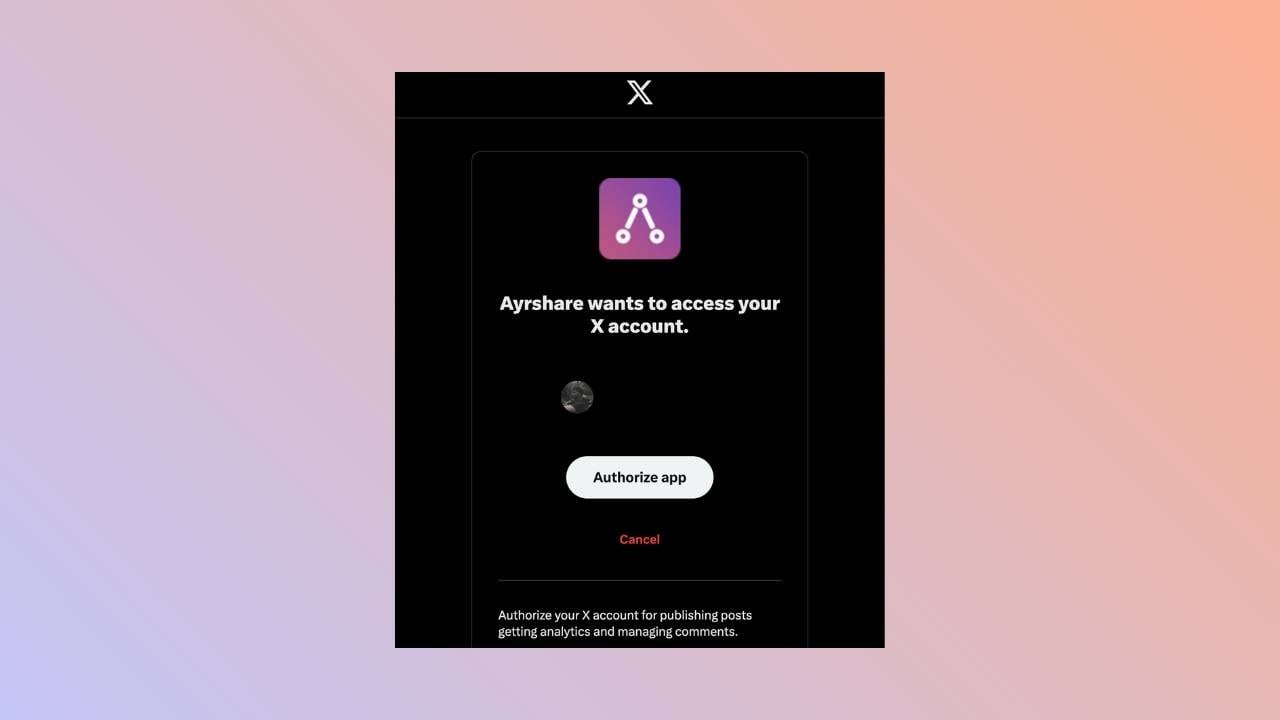
If you have already signed in, click Authorize app on the pop-up.This will authorize Ayrshare to access your X account.
Confirmation
Your Social Accounts page will now be updated with your X account.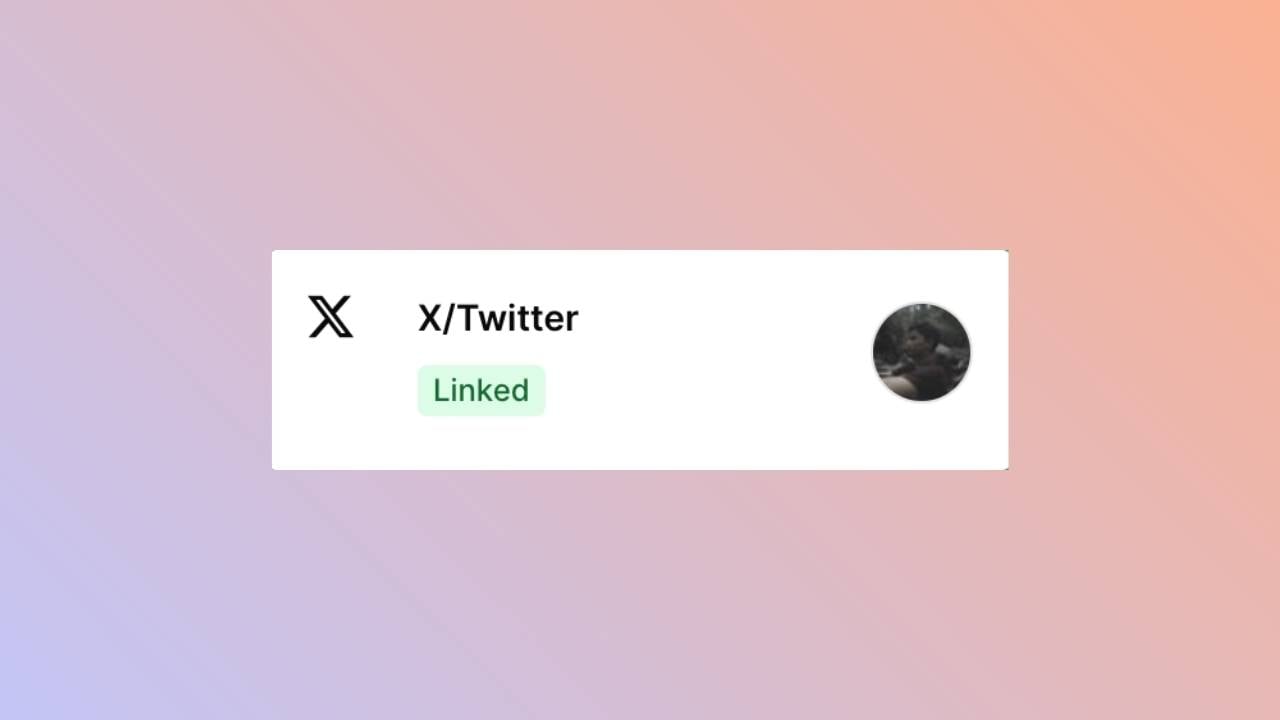
You’re All Set!
You’ve successfully linked your X account to our platform!You can now post or schedule media directly through our dashboard with ease.
Need more help? Feel free to reach out to our support team at [email protected] anytime.