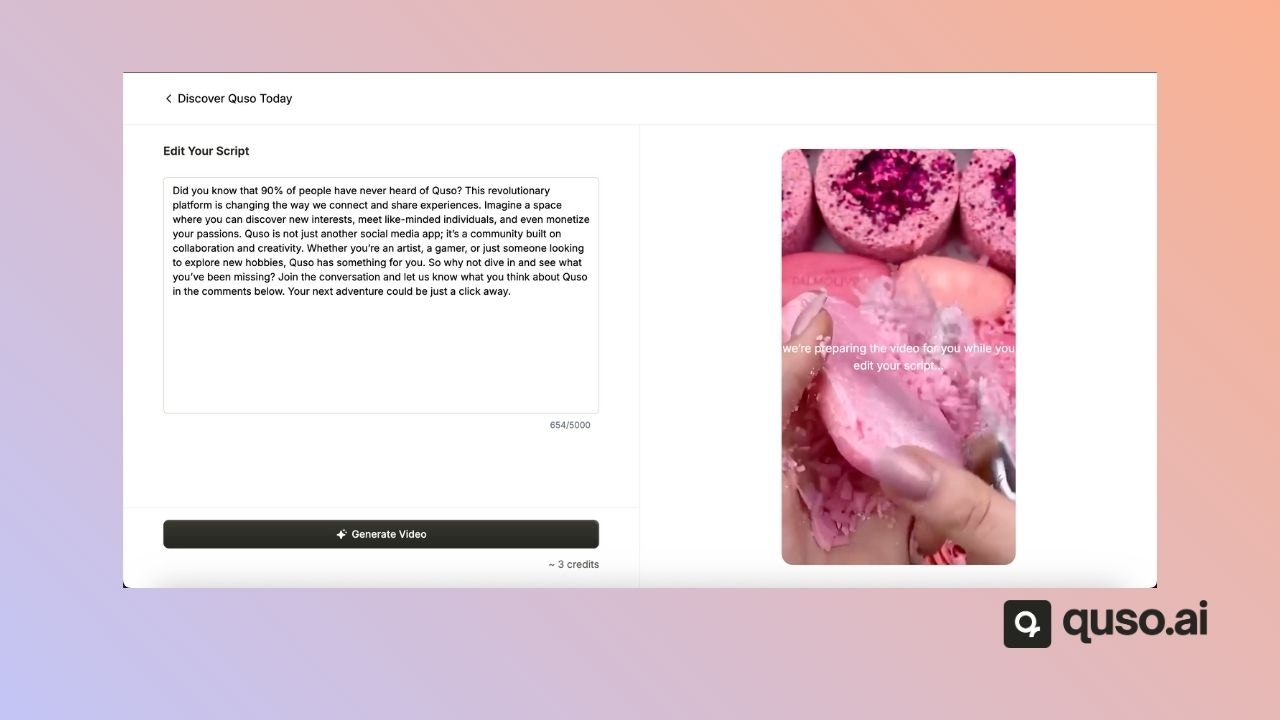
How to Create Your First Script-to-AI Video
The AI video feature is being discontinued and will no longer be available.
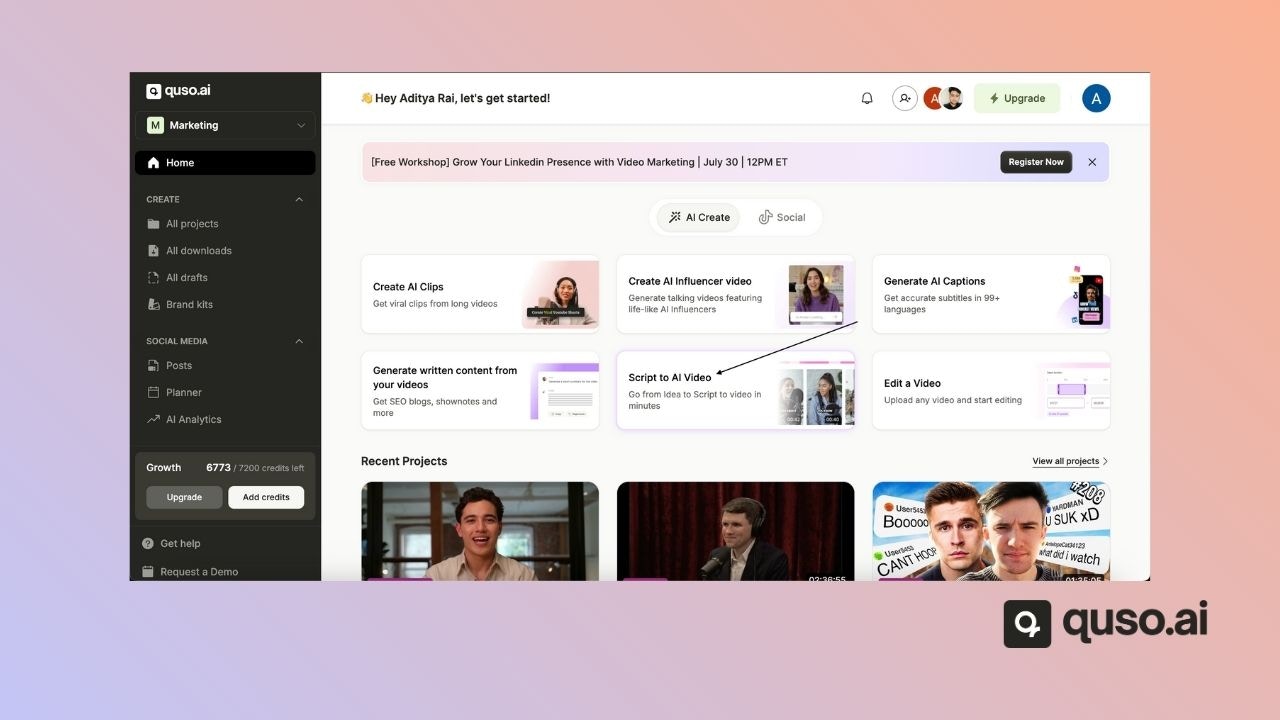
✅ Step 1: Open the Script to AI Video Tool
From the Quso.ai Home Page, click on “Script to AI Video.”This will open the workspace where you can start building your video project.
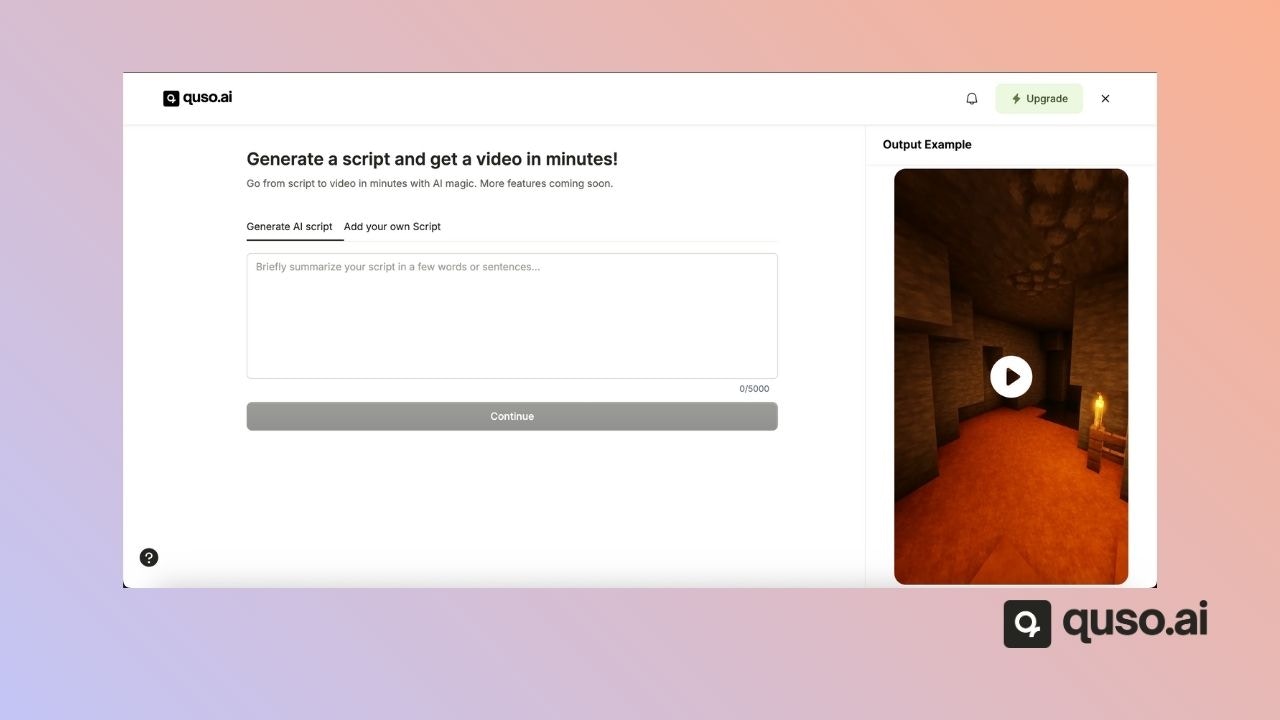
🧠 Step 2: Add or Generate a Script
You can either:- Write and paste your own script into the Add your own Script menu
- Or enter a prompt to let AI create one for you based on your topic
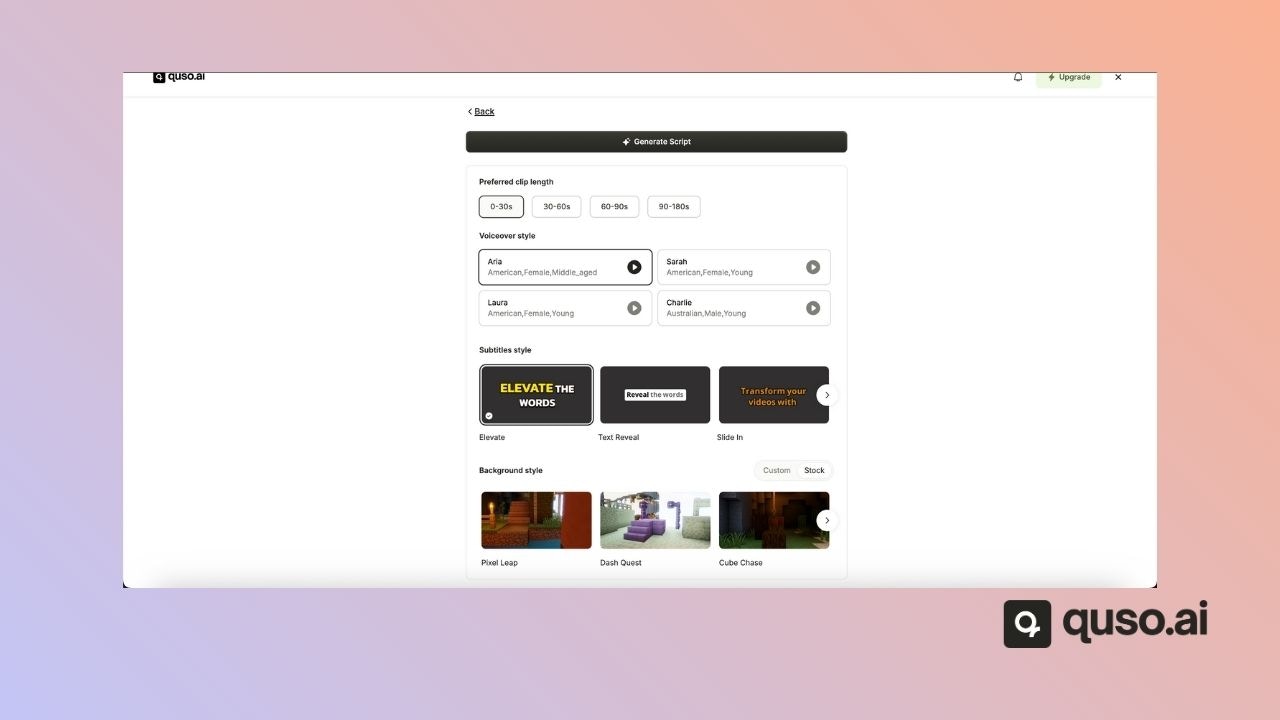
🎨 Step 3: Customize Your Video
Now it’s time to tailor your video’s look and feel. Set the following preferences:- 🎬 Video Length – Choose the duration that fits your content goals
- 🌐 Voiceover Language – Select from multiple language options
- 💬 Subtitles Style – Select the style of your captions for accessibility and engagement
- 🖼️ Background Visuals – Choose a default or upload your own background video or image to personalize the look
Step 4: Generate & Download
Once everything looks good:- Click “Generate Video”
- Quso.ai will process your script and settings to produce the video.