

Bluesky is available on plans that include social publishing, such as Essential and Growth.
Before you start
Create an app password in Bluesky:- In Bluesky, open Settings → Privacy and security → App passwords.
- Click Add app password, give it a name (for example “quso.ai”), and create it.
- Copy the password. It looks like
xxxx-xxxx-xxxx-xxxx.
Link Bluesky
Step 1: Open Manage accounts
Go to Social Media → Posts and click Manage accounts.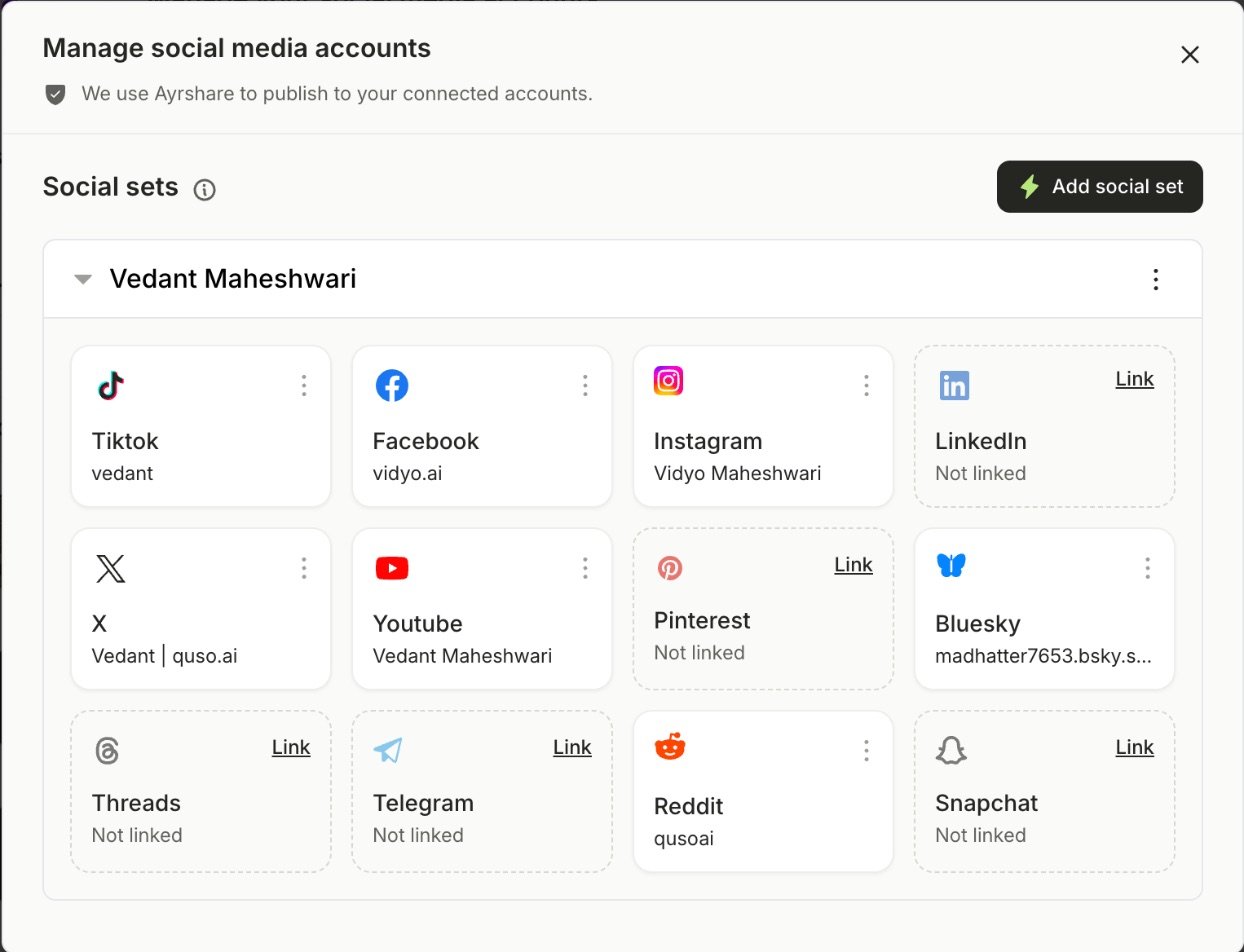
Step 2: Click Link on Bluesky
A new window opens to finish linking.Step 3: Enter your handle and app password
- Handle: your full Bluesky handle, for example
yourname.bsky.social. - App password: the one you created above.
What you can post to Bluesky
- Text: up to 300 characters. Text-only posts are fine.
- Images: up to 4 images, each up to 1MB.
- Video: 1 video, up to 10 minutes and 300MB.
- A post has either images or a video, not both.
FAQ
It says my password is wrong
It says my password is wrong
Use an app password, not the password you sign in to Bluesky with. Also check that the handle includes the domain, such as
.bsky.social.Why was my image refused?
Why was my image refused?
Bluesky takes images up to 1MB. Compress the image or use a smaller one, or remove Bluesky from this post.