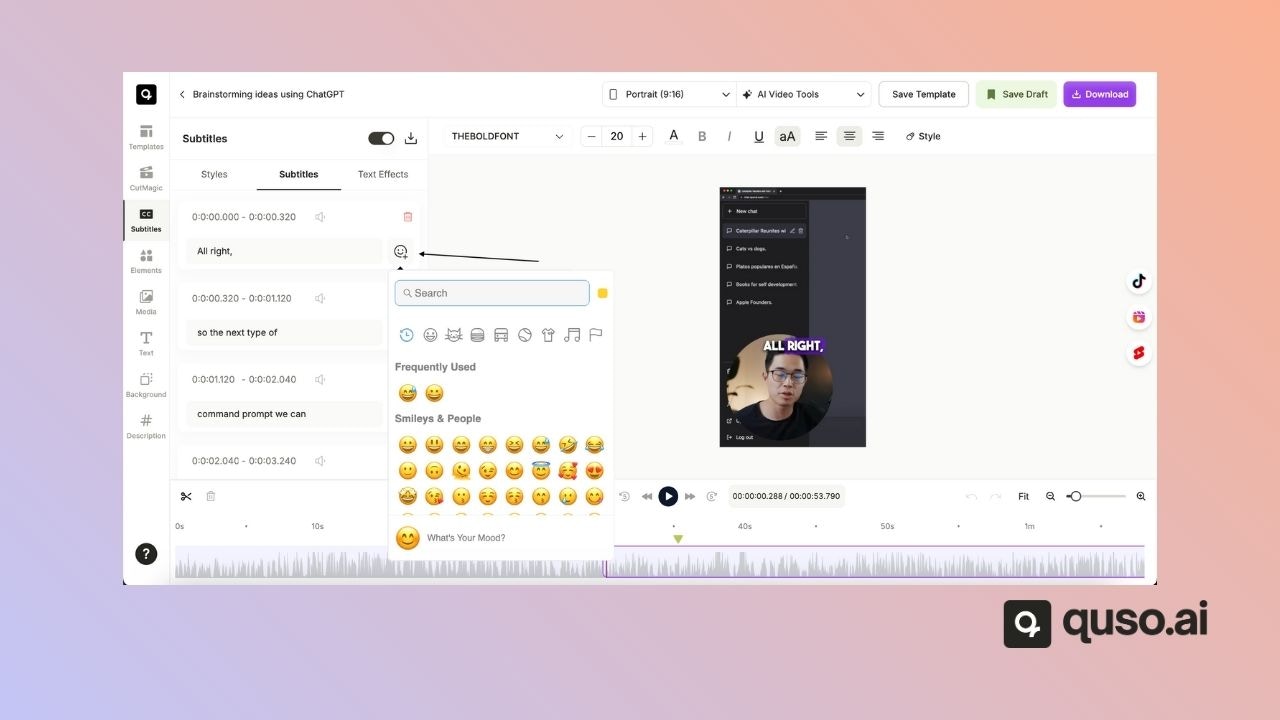
✍️ How to Manually Add Emojis to Captions
Step 1: Open the Editor
- From your Quso.ai dashboard, open the project you’d like to edit.
- Click “Edit” to access the video editor.
Step 2: Navigate to the Subtitles Panel
- Click on the Subtitles tab on the left-hand side.
- You’ll see a list of all captions with their corresponding timestamps.

Step 3: Add Emojis to Your Captions
- Click into any caption line and simply type or paste emojis directly into the text field.
For example:"This is awesome! 🚀""Let's get started! 😄"