

Steps to Change Aspect Ratio
Step 1: Open the editor for the clip you want to adjust.

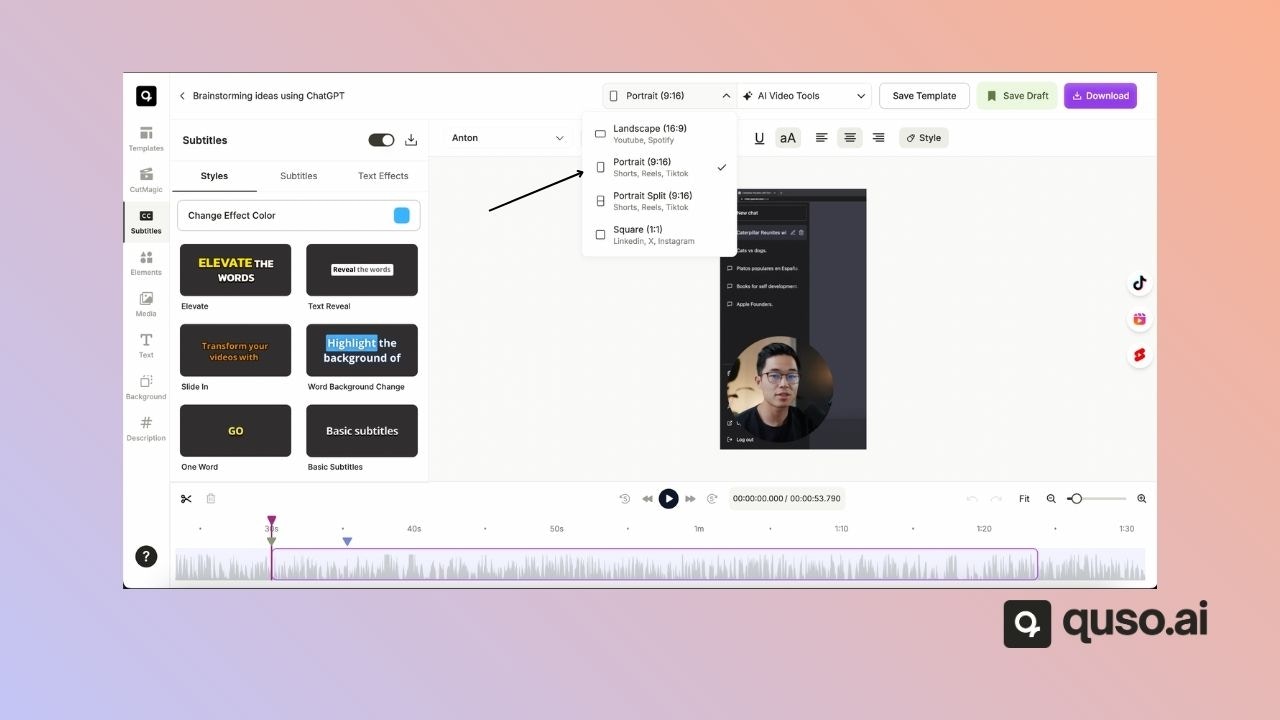
- Landscape (16:9) – Best for YouTube and widescreen platforms.
- Square (1:1) – Great for LinkedIn, Facebook, and Twitter.
- Portrait (9:16) – Ideal for Instagram Stories, TikTok, and Reels.
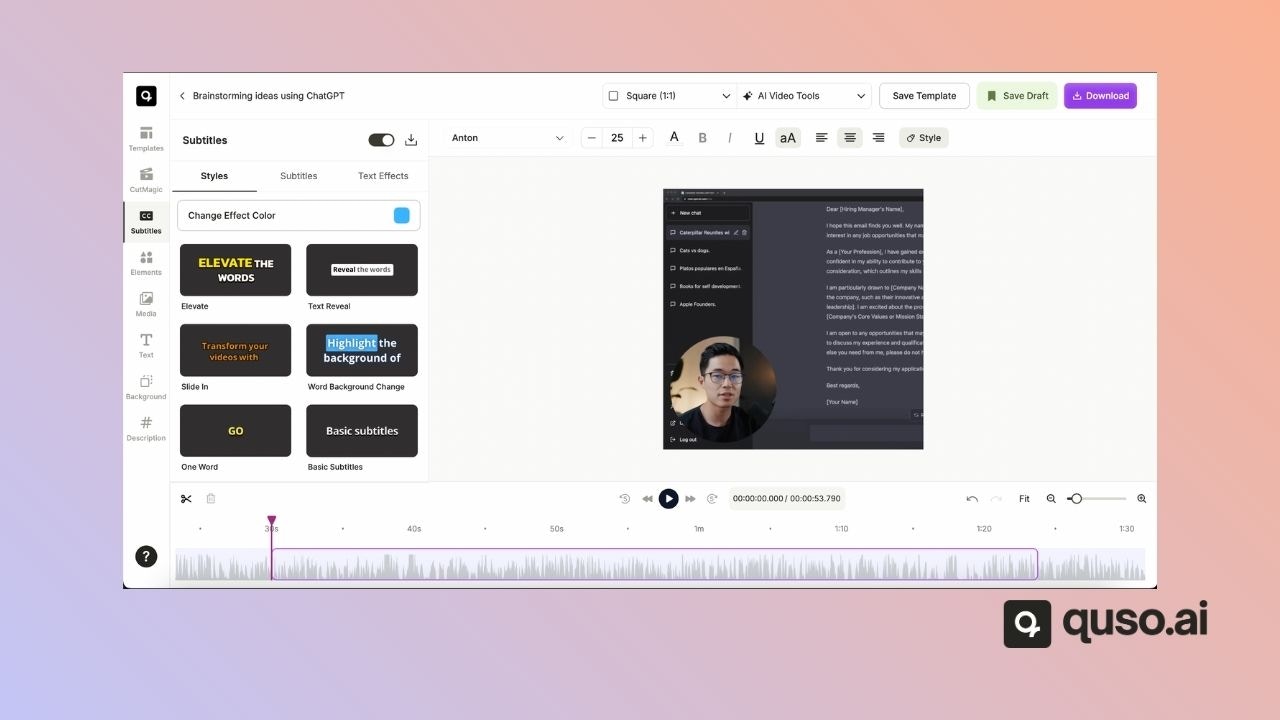
That’s it! With just a few clicks, you can resize your video to match the requirements of any social media platform.